
Create
Right-click a folder, choose a practical compression goal and watch the image take shape.
Create, inspect and explore images in DwarFS Utility, or work directly from Dolphin. Mounted images appear in Places, with shared settings and volume controls in the tray.
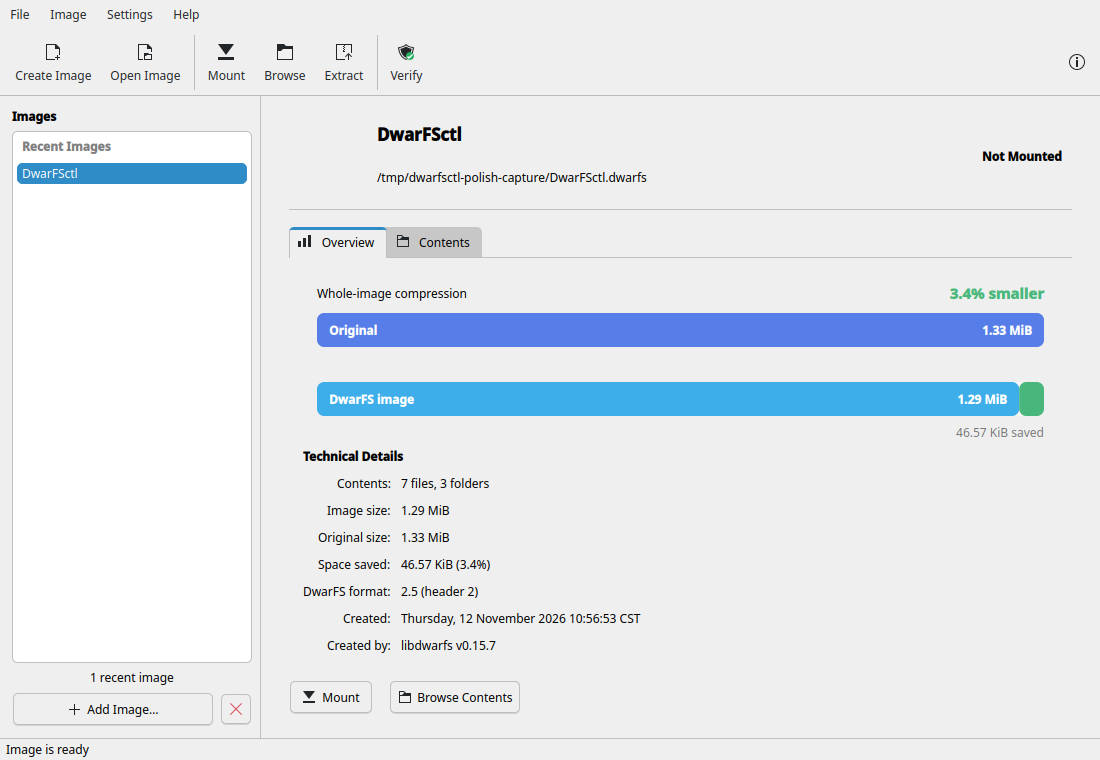
Open several images in one workspace. Compare compression, inspect image details, check integrity and extract files. Switch to Contents to explore folders by size.
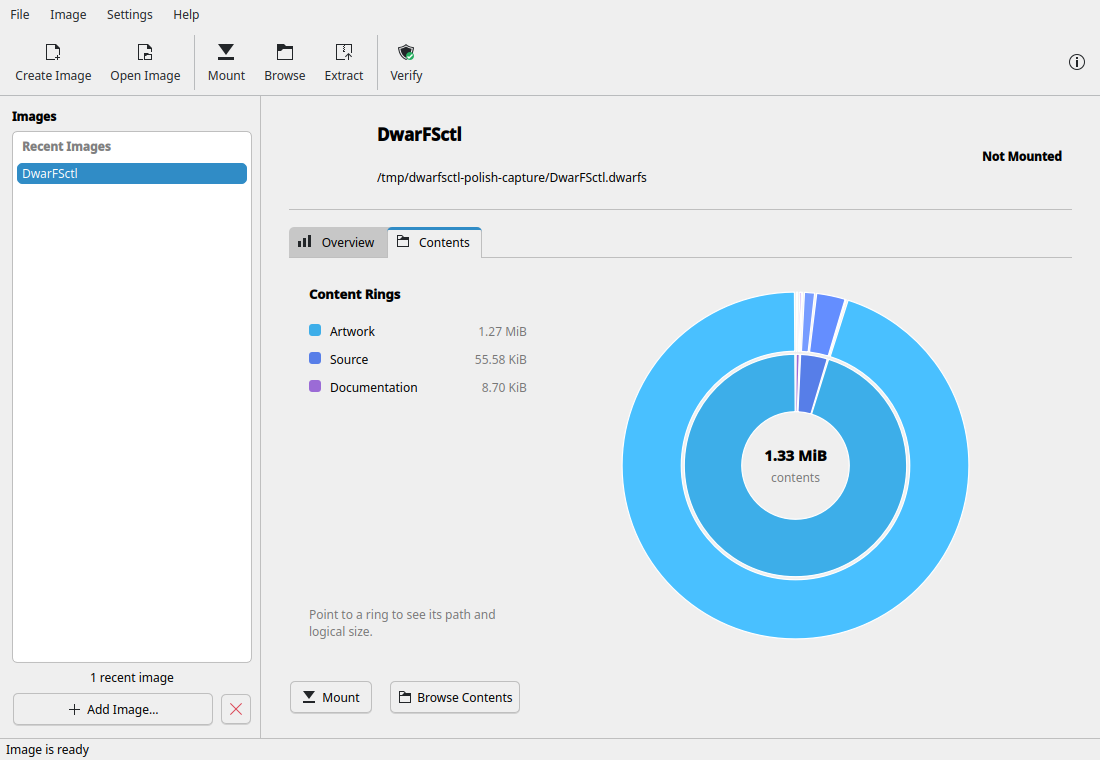
DwarFSctl keeps the engine behind ordinary Plasma actions. You choose what you want to do; the application handles the filesystem details.
Right-click a folder, choose a practical compression goal and watch the image take shape.
Double-click the image. DwarFSctl mounts it read-only, adds it to Places and opens the volume.
Move one compact image between machines, then browse or extract its contents when you need them.
Context actions, file Properties, previews, MIME identity and read-only browsing through KIO.
Every active image appears as a volume in Dolphin Places and disappears cleanly on unmount.
Open or unmount volumes, change everyday defaults and reach advanced profiles from one control point.
DwarFSctl packages a private engine built from pinned DwarFS 0.15.7 source. Fedora 45 packages support x86-64 and ARM64; Debian 13 and Ubuntu 26.04 packages support x86-64. Every package includes the CLI, engine and complete Plasma integration.